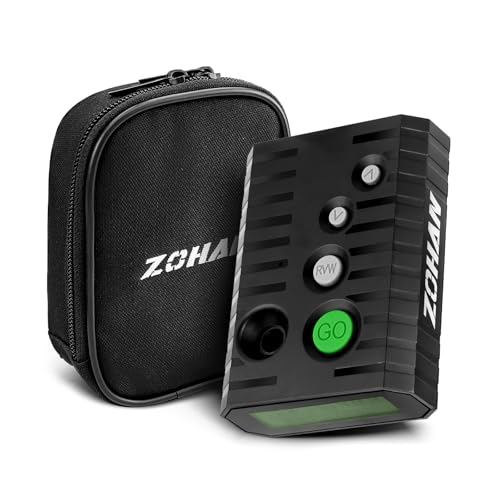
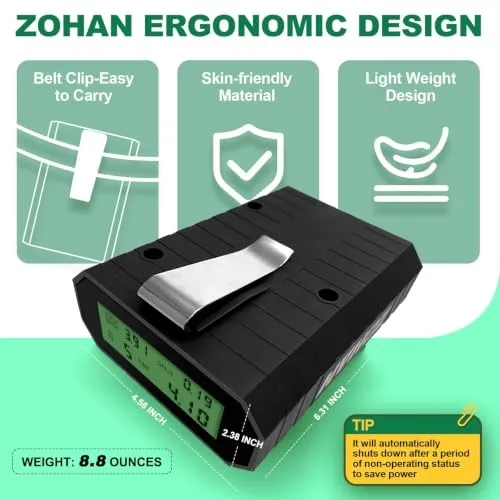
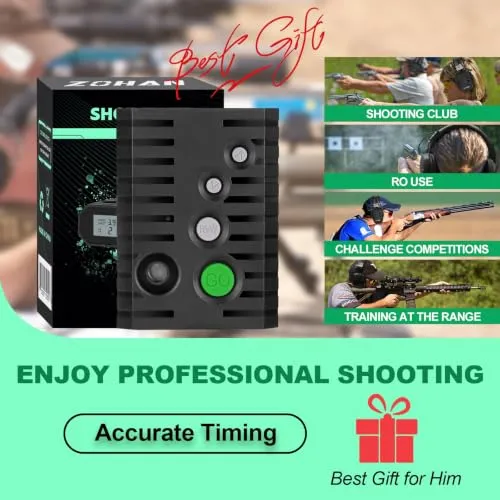
| Item Highlight | Improved Loud Buzzer, Dry Fire Practice, RO Use, Backlight Screen, 4 Shooting Modes, Includes Longlife Battery & Case |
|---|---|
| Manufacturer | ZOHAN |
| Number of Items | 1 |
| Included Components | 9V Alkaline Battery, Case, Belt Clip |
| Item Type Name | Shooting timer |
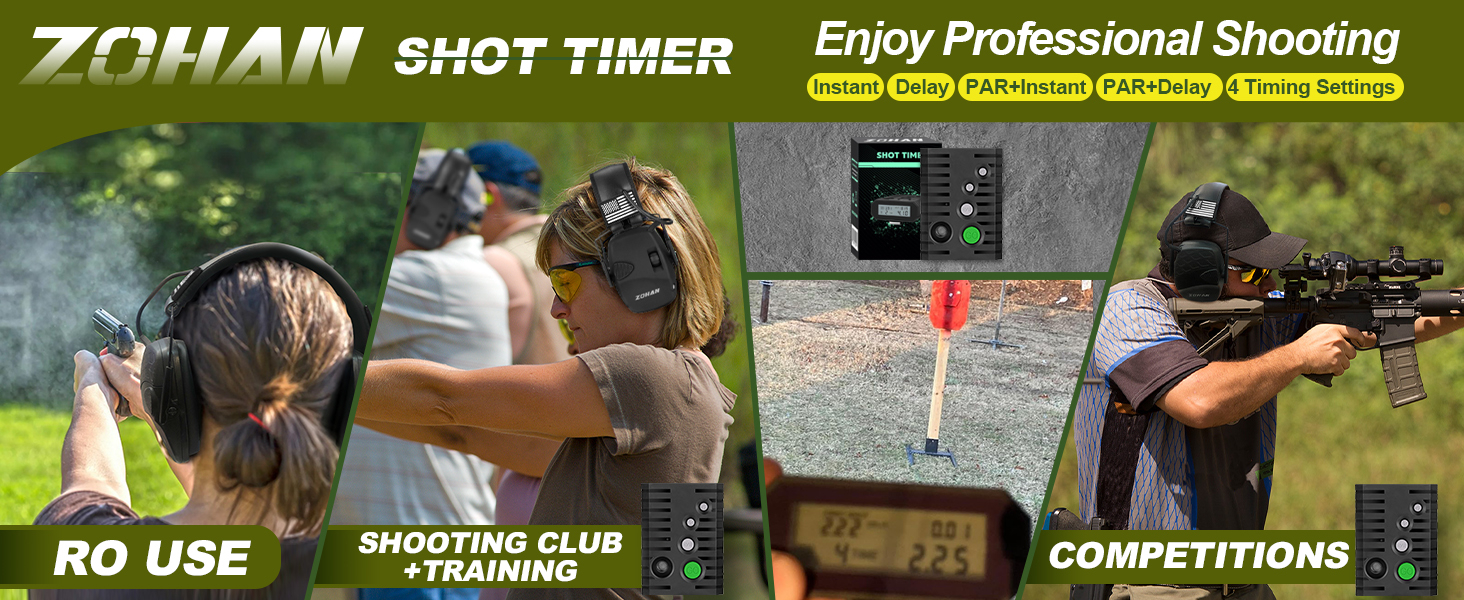
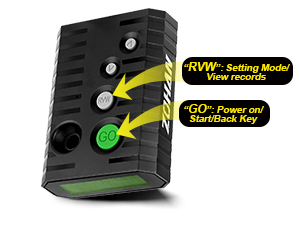
ZOHAN timer is often built to withstand the rigors of the shooting range, with durable materials that can endure recoil and environmental
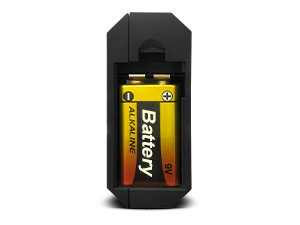
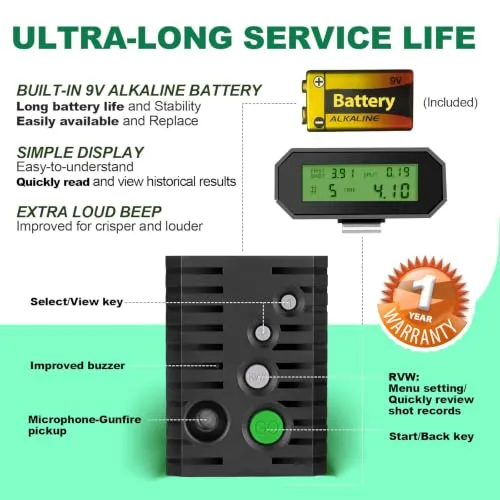
Provide a stable power source, ensuring that the timer functions consistently
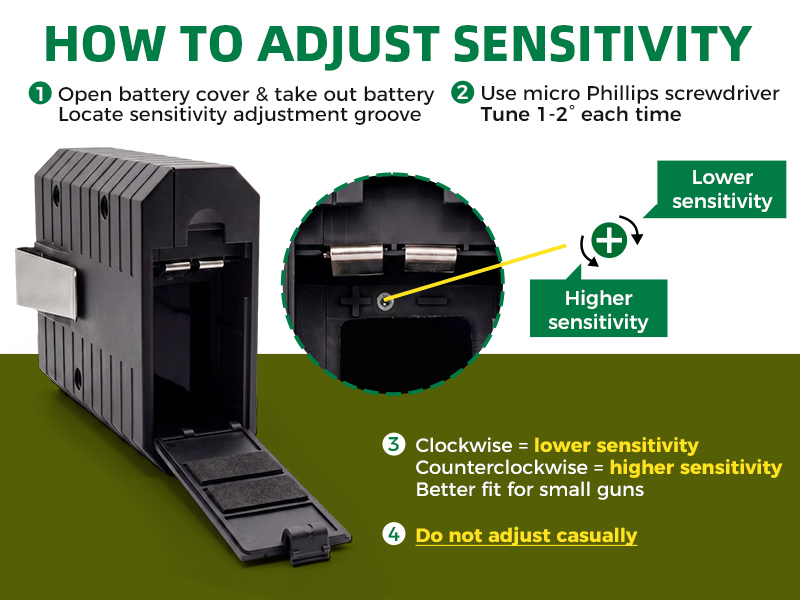
Tips! Installation needs to be aligned with the "+ and - "of the battery
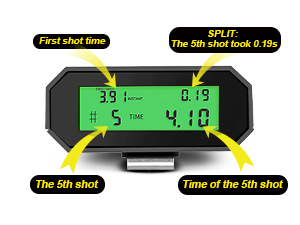
HD Screen: More Brighter, More Crisper. (Turn off after 45s to save power.)
T!! The Shot Timer will automatically power off after 15mins of inactivity
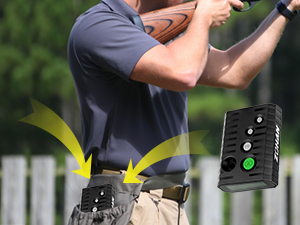
Equipped with a custom Oxford cloth ZOHAN suitcase, it is highly durable and convenient to carry.
1. How to open the "Settings" screen?
Long press 2s RVW button to enter the setting interface.
2. How to Power on/off the timer?
Short press "GO" button to power on the shot timer and Long press(2s) "GO" button to power off the timer.
3. How to Set up Instant / Delay Buzzer Mode?
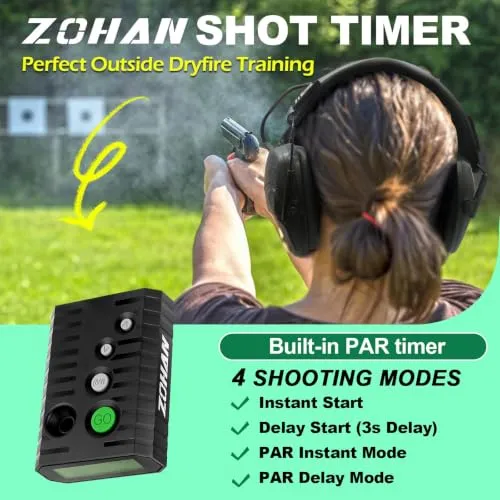
- INSTANT BUZZER MODE: Press"RVW"2s → “>” →"GO"; - DELAY BUZZER MODE: Press"RVW"2s → “<” →"GO"
4. How to Set up " PAR" Buzzer Mode?
- INSTANT & PAR MODE: Press"RVW"2s →“>”→"RVW"→“><”→"RVW" .done; - DELAY & PAR MODE: Press"RVW"2s →“<”→"RVW"→“><”→"RVW" .done
Note1: Pressing the "GO" button in "Score View Mode" will return to the preparation timing interface, where you can still go back to view score records before starting a new round of shooting.
Note2: Assuming you have already recorded some shots, press RVW or UP arrow or DOWN arrow to enter the history screen. ( History record up to the last record display"END"and return to the standby interface) . -Designed with simple and user-friendly in mind without excessive complicated parameters.
| Start Signal | Audible buzzer or beep to initiate shooting sequence. ZOHAN Shot timers automatically through sound sensors triggered by gunfire to detect the start and end of shooting sequences, making them suitable for various shooting disciplines. |
| Shot Detection | Sensitive microphone captures each shot fired and records precise timing. Shooting timers provide precise timing measurements in milliseconds, allowing for accurate evaluation of a shooter's performance. |
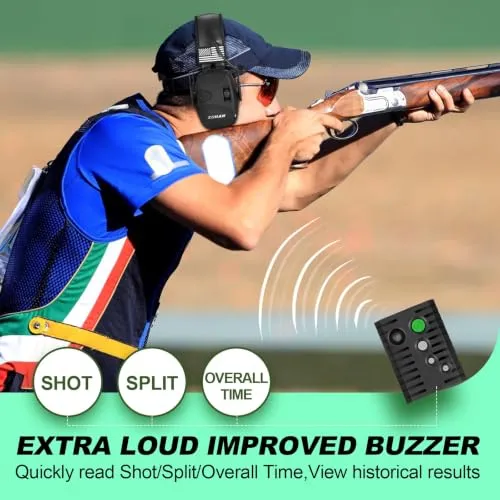
| Split Times | Measures intervals between individual shots in a string. Designed with clear and simple in mind, quickly read the First/Split/Overall Shot Time/View historical records. |
| Shot Memory | Stores multiple shooting strings for review and analysis. |
| Total Time | Records overall time from start signal to final shot. |
| Performance Assessment | After the shooter completes the drill, the timer provides data on the time taken. The shooter and coach can assess whether the task was accomplished within the set Par Time, helping to evaluate speed, accuracy, and proficiency. |
| Training and Evaluation | When the shooter initiates the timer, the PAR function counts down from the preset Par Time. The shooter then attempts to complete the shooting sequence or drill within this time frame. |
| Setting the Par Time | The user configures the desired time limit on the shooting timer. This time can be adjusted according to the training or practice drill's requirements. |
| Lightweight & Versatility | Shooting timers are used in a wide range of shooting sports, including various Competition, Independent training, target shooting or RO use in USPSA, IPSC. |
| Why use ZOHAN Shot Timers? | It is essential for analyzing the shooter's consistency and reaction times. |
E-mail:
Tel:
+86 158 8886 1058
Add.:
No. 6, Shunle Road, Jingshan Town, Yuhang District, Hangzhou City, Zhejiang Province, China
Copyright © Hangzhou ZH Tech Co., Ltd. All Rights Reserved |
Sitemap
| Technical Support: